
Notifications
Overview
Kard sends near real-time webhooks about important events related to transactions in your rewards program. They come in two kinds, and the difference determines what you do with them.
Reward events (earnedRewardApproved and earnedRewardSettled) are built to be passed as push notifications straight through to your users. Each carries suggested notification text and an attribution link, so a matched transaction can become a push notification without any additional lookups.
earnedRewardRejected is not intended to be shown to your users. It reports that a transaction which initially matched has been rejected and will not result in a reward — a signal for your system to act on internally, not something to forward as a push notification. That’s why the payload carries a reason instead of an attribution link.
Each event type is delivered to the webhook URL you designate for it. You subscribe to events yourself via the Create Subscriptions endpoint. Every delivery is HMAC-signed so you can confirm it came from Kard.
How it works
- Subscribe. Call Create Subscriptions with the event type you want and the URL it should be delivered to.
- Receive. When a qualifying event occurs, Kard POSTs the notification to that URL with a
notify-signatureheader. - Verify. Recompute the HMAC over the body with your webhook key and compare it to the header. Reject anything that doesn’t match.
- Respond. Return a
2xx. Use the payload’sidas an idempotency key so a redelivery never notifies a user twice.
Event types
Full payload schemas for each event live in the Notifications Webhook API reference.
What’s in a payload
All three events share a core: a unique id on the envelope, plus message, transactionId, and transactionAmountInCents in attributes (transactionTimestamp is optional). Use id as an idempotency key so a redelivery never double-notifies a user or double-reverses a reward, and transactionId to tie the event back to the transaction you submitted.
What differs is what surrounds that core — and, critically, whether message is fit to show a user.
Reward events: earnedRewardApproved, earnedRewardSettled
These are the payloads designed for pass-through to your users.
message: user-ready copy. Send it as a push notification as-is.attributionUrl: tracks your user’s interactions with the notification. See the Attributions guide for how to use it.name: the merchant name.- Offer context:
categoryName,userReward,purchaseChannel,surveyUrl, andassets(merchant images whose URLs are signed for attribution tracking, to be loaded as-is).earnedRewardSettledalso carriescommissionEarned.
attributes.message can be served directly as a push notification:
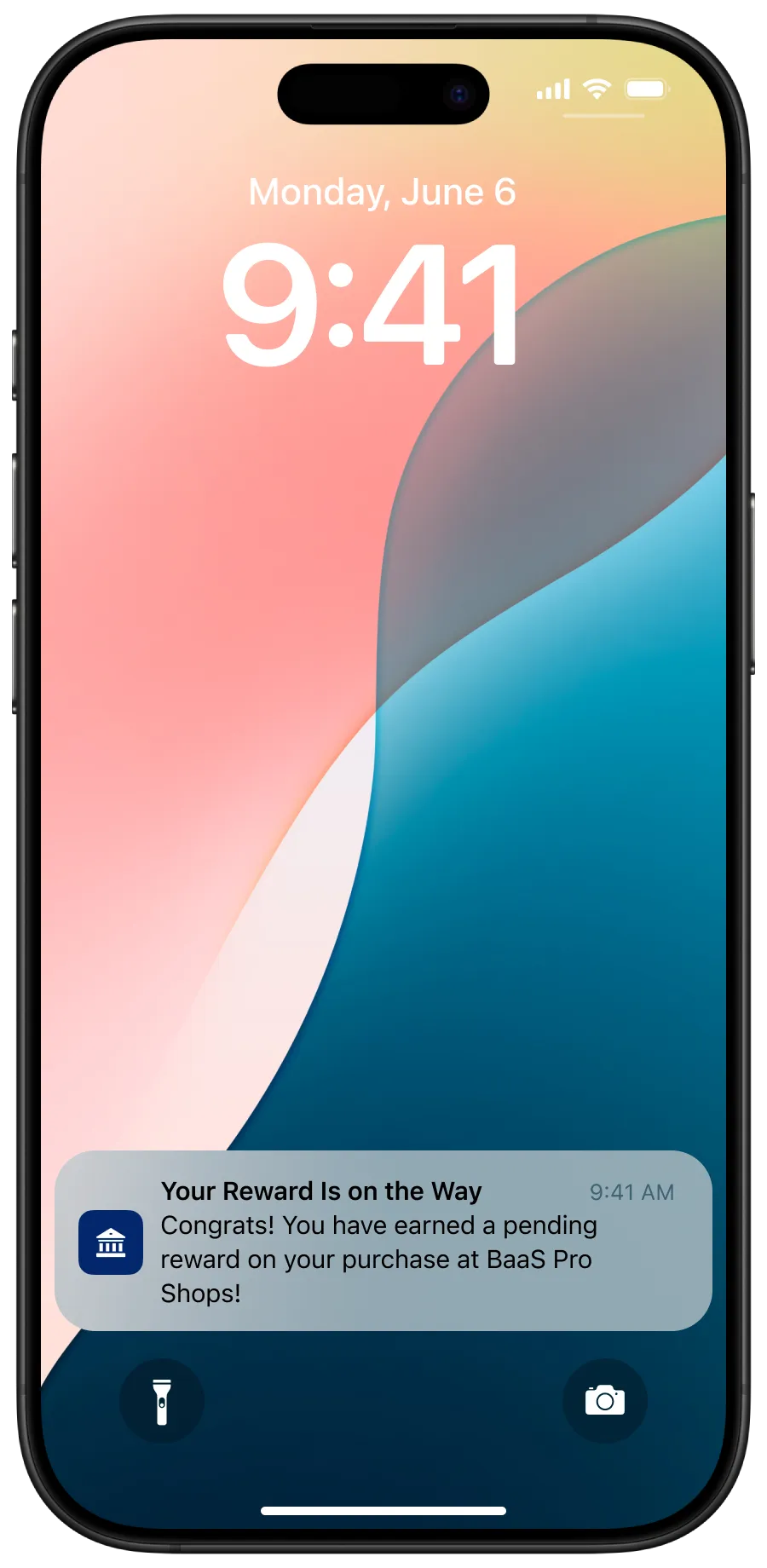
earnedRewardApproved: the reward is pending, so the message names no amount.
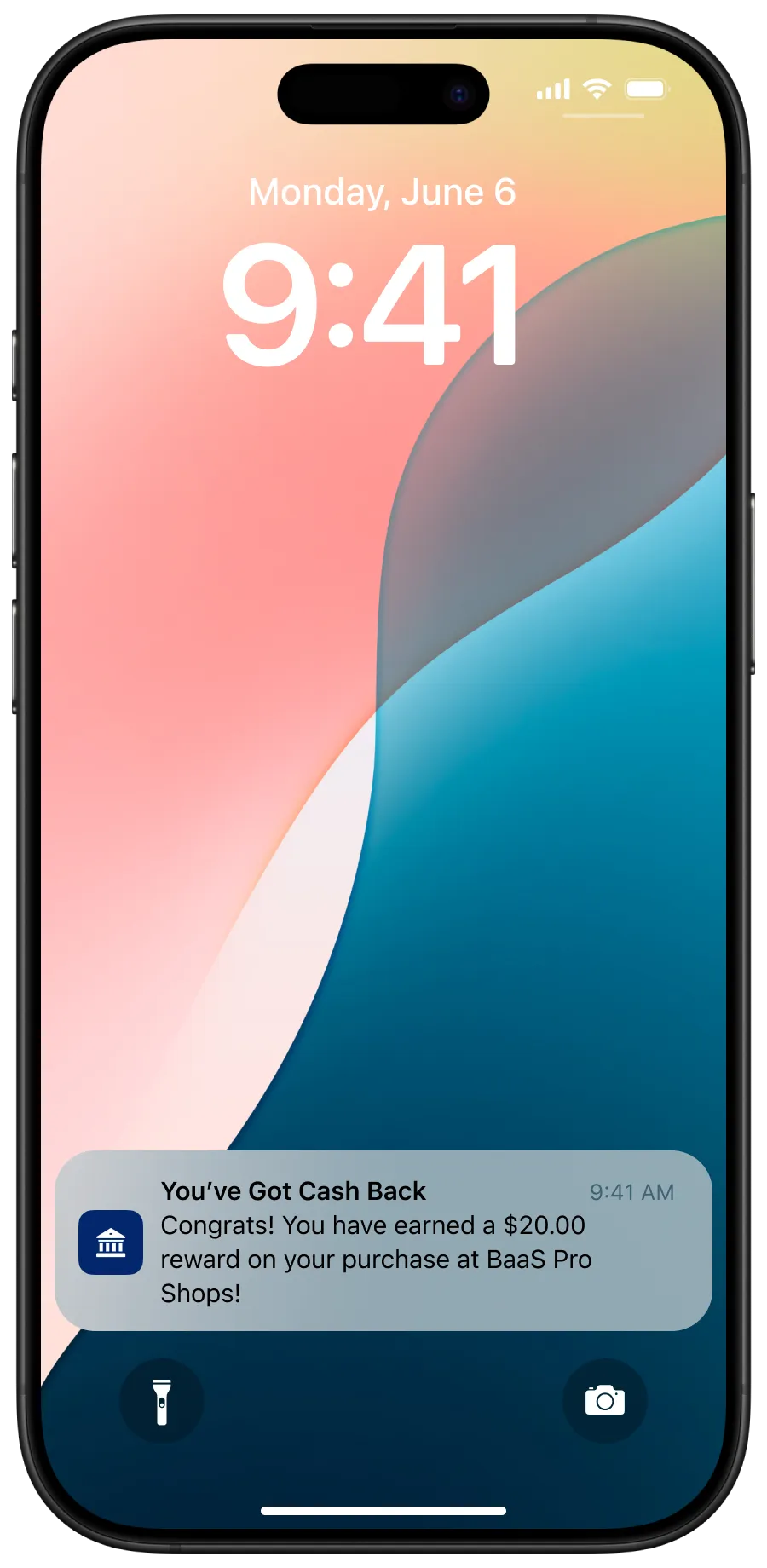
earnedRewardSettled: the reward is final, so the message states the amount.
Rejections: earnedRewardRejected
reason: why the transaction was rejected. Values below.message: every rejection carries the same string —Your transaction did not result in a reward.- No
attributionUrl.
The reason values are listed above. Kard may add new values over time, so handle any unrecognized value as a generic rejection rather than failing the request.
Verifying the signature
Notifications are outbound POSTs to a URL you provide, authenticated with an HMAC signature rather than a shared credential on your side.
You’ll be issued a webhook key. Kard uses it to compute an HMAC of the webhook body and sends the result in the notify-signature header. To validate a delivery, compute the same HMAC yourself — your key, the request body, SHA-256 — and compare it to the header value. Header names are matched case-insensitively.
Code recipe: verify, then ingest
A minimal Node.js service that verifies the signature in middleware and processes the payload in the route.
auth.js — signature verification middleware
index.js — the POST endpoint
Testing your integration (Sandbox environment only)
Sandbox environment only. The trigger endpoint described here exists only in Kard’s test (sandbox) environment and is not available in production.
Once your endpoint verifies signatures, you can confirm it handles earned-reward webhooks end to end without waiting on a real matched transaction. The Simulate Test Notification endpoint sends a simulated earnedRewardApproved or earnedRewardSettled webhook to the URL you subscribed. You supply the userId and transactionId to include in the simulated transaction; offer information is sourced from an existing sandbox offer, so the payload matches the shape of a production notification and is HMAC-signed like any other delivery.
Prerequisite: an enabled subscription for the event you want to trigger (see Create Subscriptions). If there isn’t one, the call returns 409.
A successful call returns 202 with the generated eventId. The notification is delivered to your webhook and can be listed and replayed like any other. Each call generates a new eventId, so you can trigger as many test notifications as you need (subject to a per-issuer rate limit).